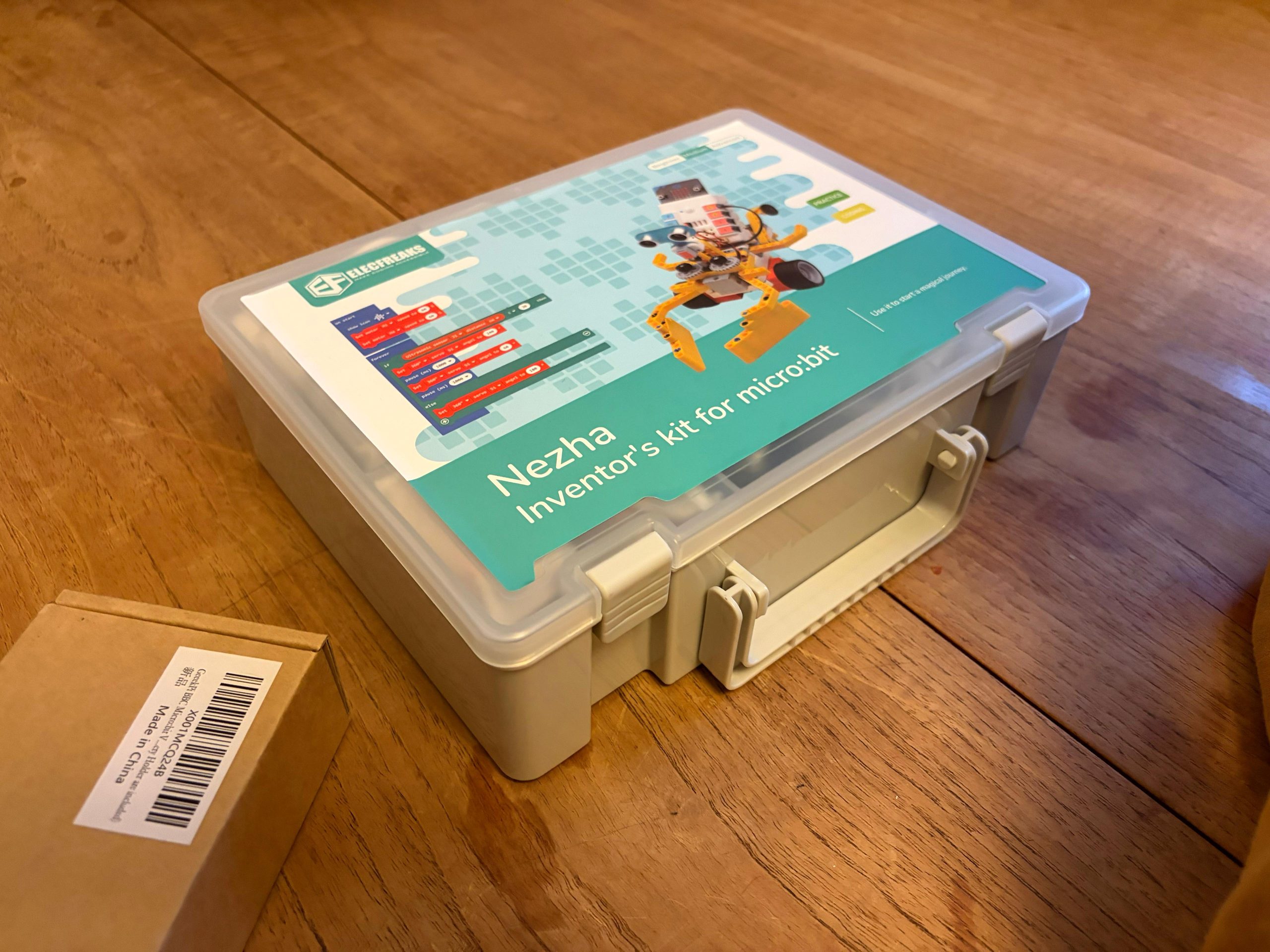
Hands on with the Elecfreaks Nezha Inventor’s Kit
Lately I have been wanting to build Lego robots. When Christmas came around, I unwrapped this Lego robot building kit!
The first thing I put together was a line-following car. If you draw a line, it will follow it! I’ve added a control on there so if you wave in front of a sensor it will start going and if you wave again it will stop.
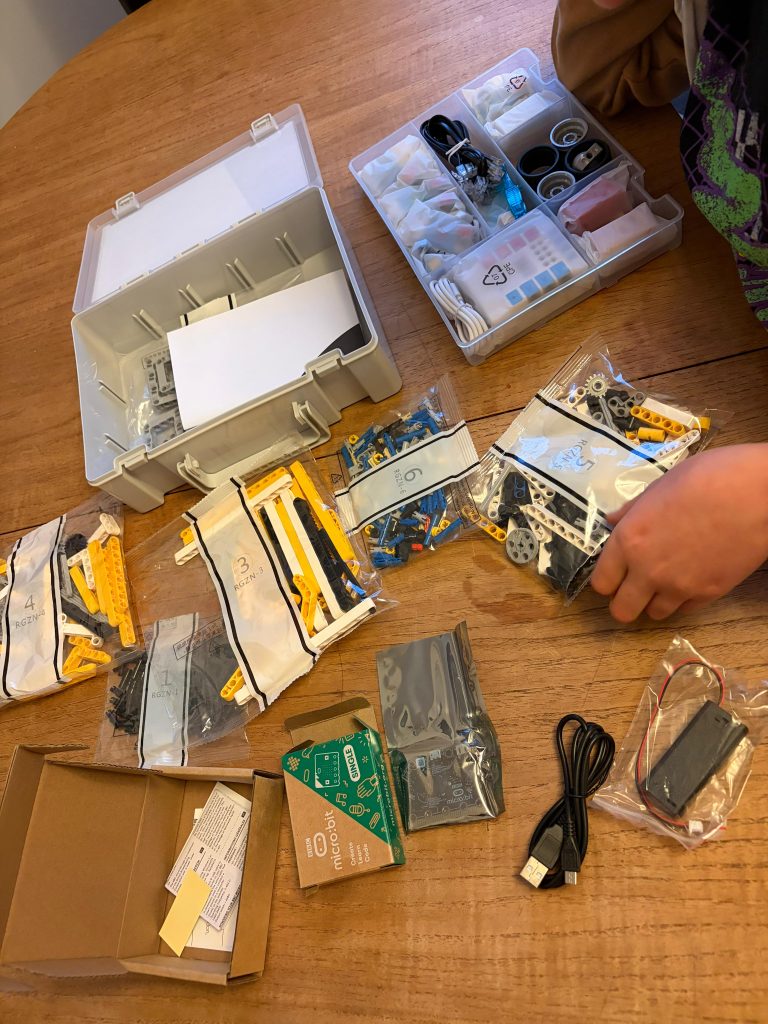
The box contained a whole lot of Technics pieces and a unit which connects sensors and controls motors. I put that on charge while working on my build.
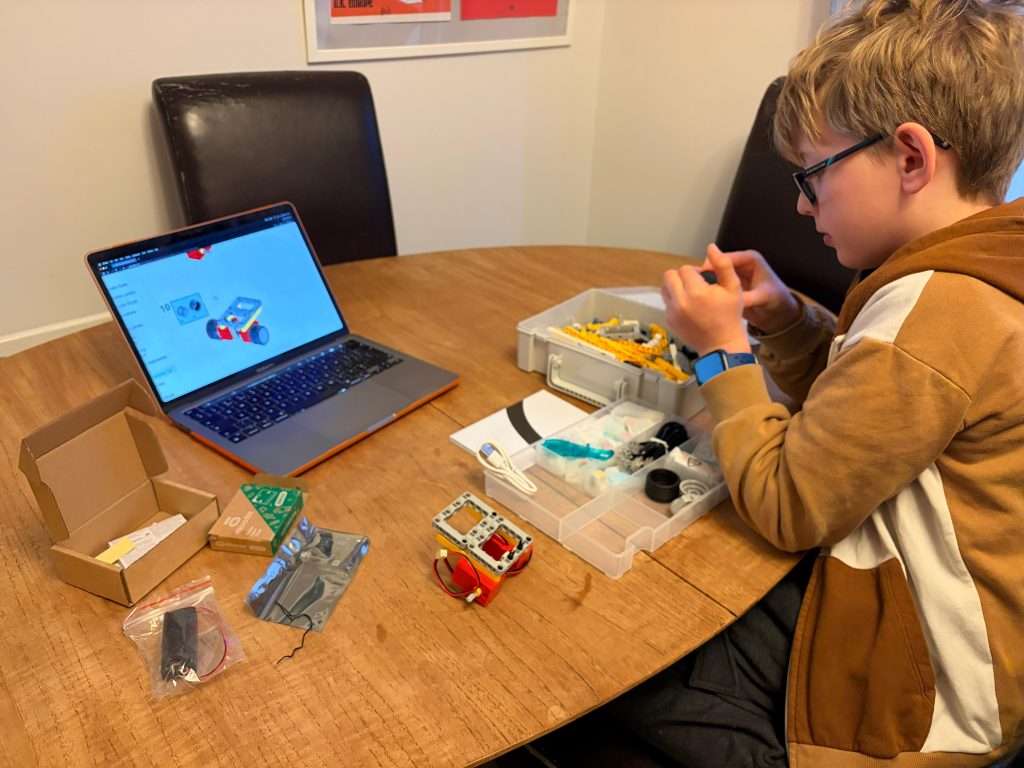
There’s something like 70 different robot builds in the instructions, which is cool. So many different sensors and motors! There’s the sonar sensor, light sensors, a button which you can click. You could put this button on a robot vehicle and maybe click it to make it turn the other way?
There’s a sort of app for it and you can program the card (which is called a micro:bit) to make it do different things.
Dad says:
The micro:bit programming software is a web app so you can run it on whatever device you have. There’s a block based mode which kids are familiar with from school, or if you’re a geek like me you can just dive in with proper JavaScript or Python. There’s plenty of demo code on the Elecfreaks wiki and we had a working robot within minutes.
I’ve always wanted to build a Lego robot and now I can! Excuse me… back to building!