• Check out my skateboard!

    Check out my skateboard!

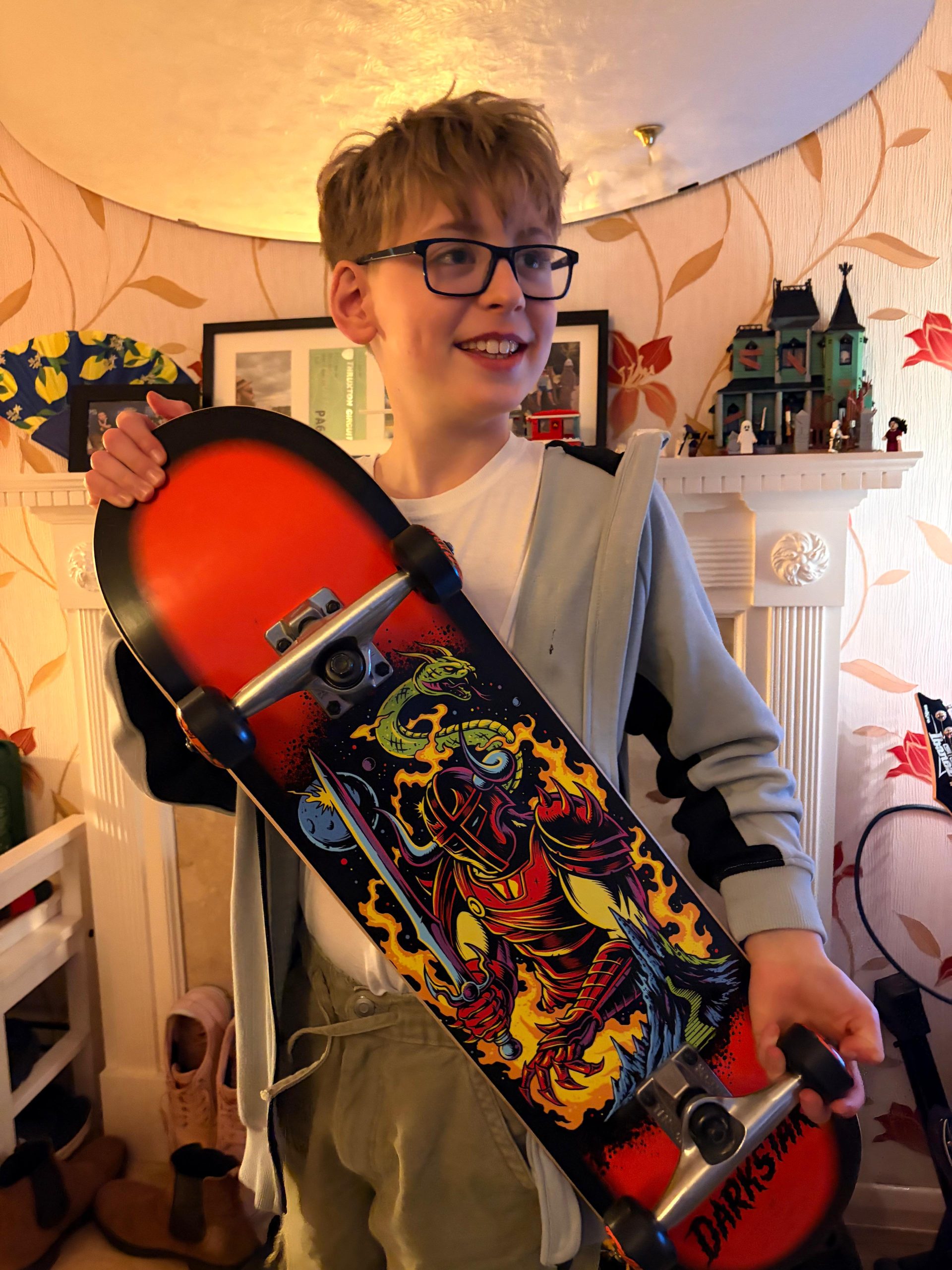
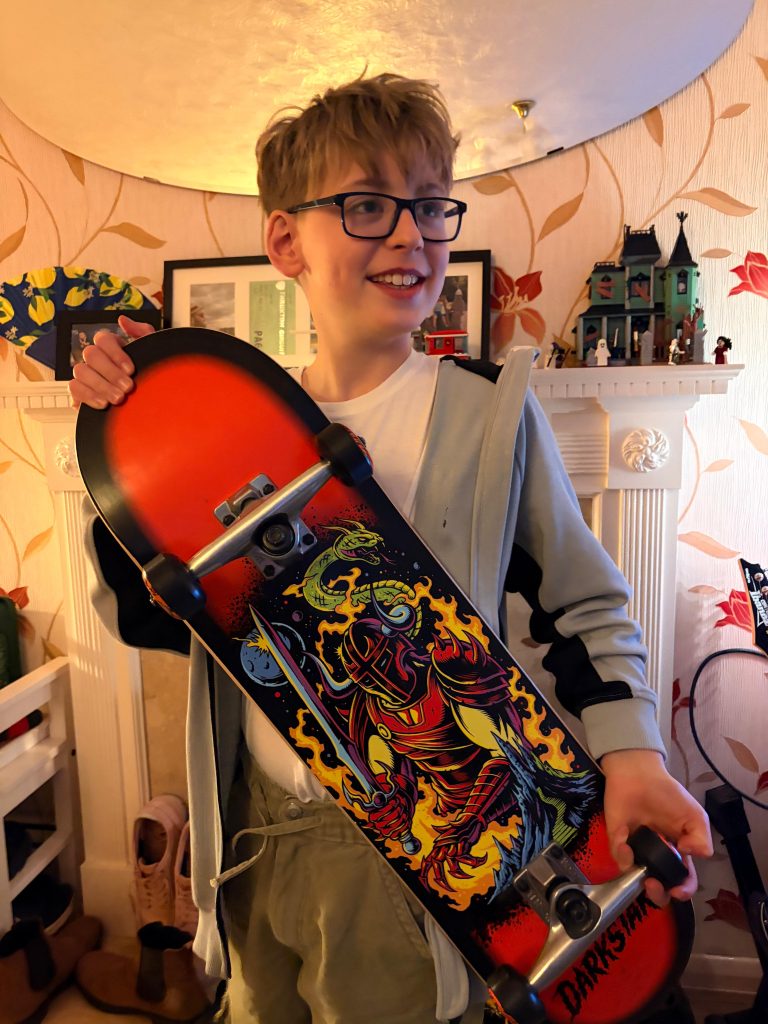
    I had been saving up my pocket money and kept asking Dad and finally last week we went to Route One and looked at the skateboards in the shop. I have always found them cool! There were three I didn’t see at first and when I did spot them they were under a rail of coats. The one at the back was the one I chose, since it was the best looking one!

    Later, at home, we took the wheels off and I greased up the bearings and put the wheels back on the trucks. I learned lots about how they work, how you lean the way you want to steer.

    Today we went to Pitt Street. It used to be a supermarket and it’s now a big skatepark! There are no checkouts or trolleys any more, but a really smooth floor still. It was raining so we went there so I could start learning indoors.

    At first I went along next to the wall so that I could get used to getting my balance right on the board and getting my feet in the right position.

    I started to build some confidence and moved away from the wall and was rolling around the area gently.

    When our time ran out, I went outside to roll around some more. I wanted to know what was different about being outside on it.

    When we got home I gave the board a bit of a wipe to clean it up. You’ve got to look after your gear!

    What got me interested in skateboarding was playing Tony Hawk’s Pro Skater with my dad. We’ve also been to the park with a friend who is really good at skateboarding and seeing her skills inspired me to give it a go myself.

    I’m really pleased that I’m already so confident after one day of skateboarding and next I want to focus on my foot positioning and get my turning really good. Can’t wait to get back to the skatepark, hopefully next weekend!

  • Doodle time!

    Today I felt like doing art. Lately we’ve not had enough time for art at school. Last term I think we got the paints out three times and I was pretty disappointed! I like science and maths but I also like time to do arty things.

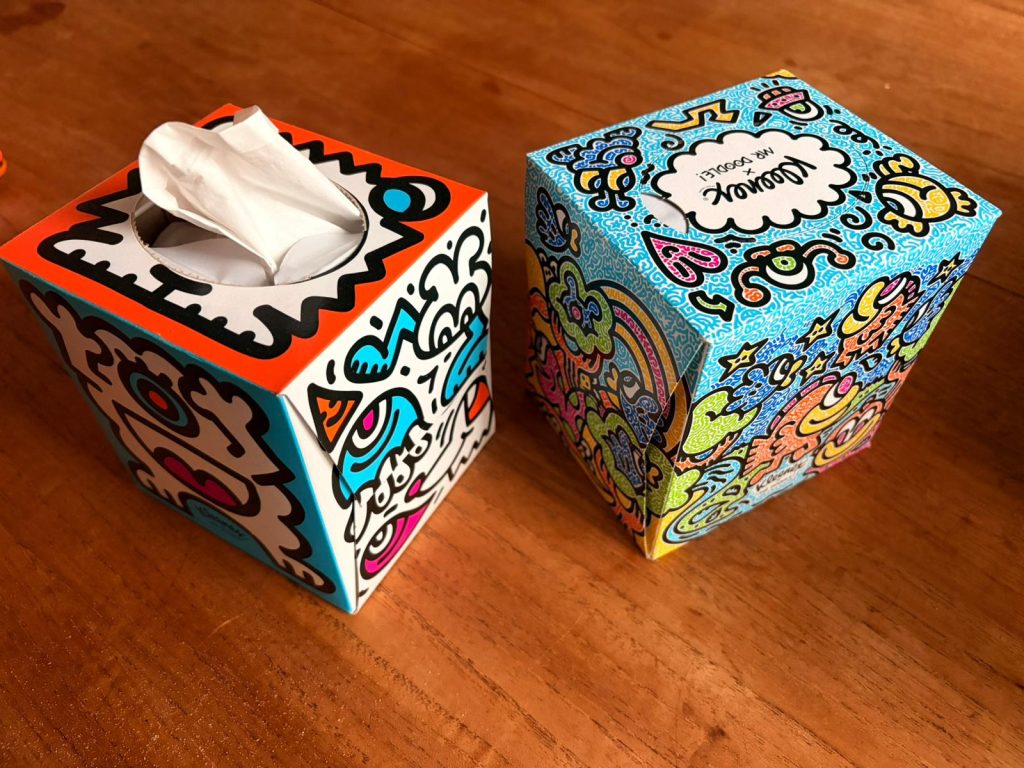
    My dad has obviously done the shopping this week because now we’ve got some silly tissue boxes that are designed by Mr Doodle. I’m pretty sure that’s not his real name, but who knows! They made me think about the drawings I’ve been doing.

    Mr Doodle takes a lot of inspiration from another artist Keith Haring. There’s a famous Keith Haring mural in Pisa called Tuttomondo. We’re visiting Pisa in a few weeks time! Maybe we’ll get to see it in person.

    We put a video on showing Mr Doodle creating a doodle wall. It was about half an hour and it looked like he wasn’t planning or worrying about how he was putting his sketches together. He was just making up characters as he went! I tried to doodle along with the video and it was really tricky to doodle as fast as he does.

    By the end of the video I had created some fun characters. I’ve read most of the Wimpy Kid books over the last few months and it has inspired me to write my own diary and do silly sketches. I really enjoy the way that Jeff Kinney draws his pictures and the humour in his books makes it feel like a very real story. Anyway, the stick man cartoons with Greg got me thinking “I should try this!”

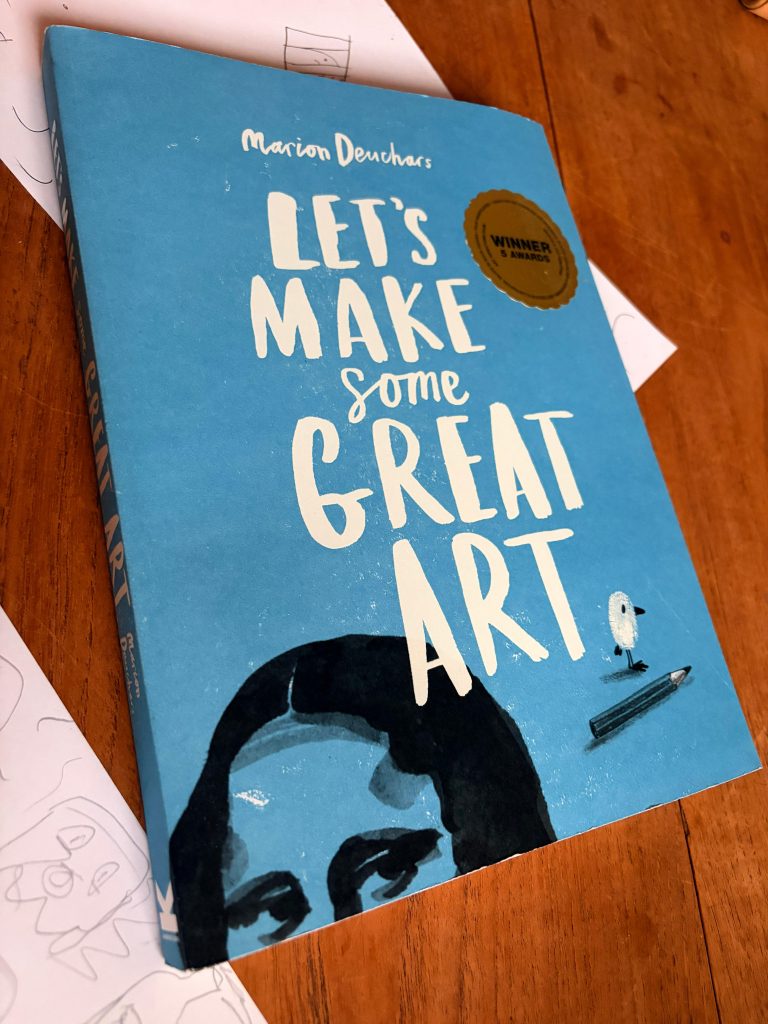
    I also love this drawing book which I got for Christmas. It has basically everything! It teaches you how to do hatching and shadows and things. Lots of different activities for when you just have a couple of minutes and a pencil.

    I’ve seen cartoons with really cool characters recently. I’m thinking of the new Spongebob film we went to the cinema to see a couple of weeks ago, as well as the Mario games we’ve been playing on the Nintendo. Now I’m looking at these Mr Doodle tissue boxes and it’s time to see what I can do!

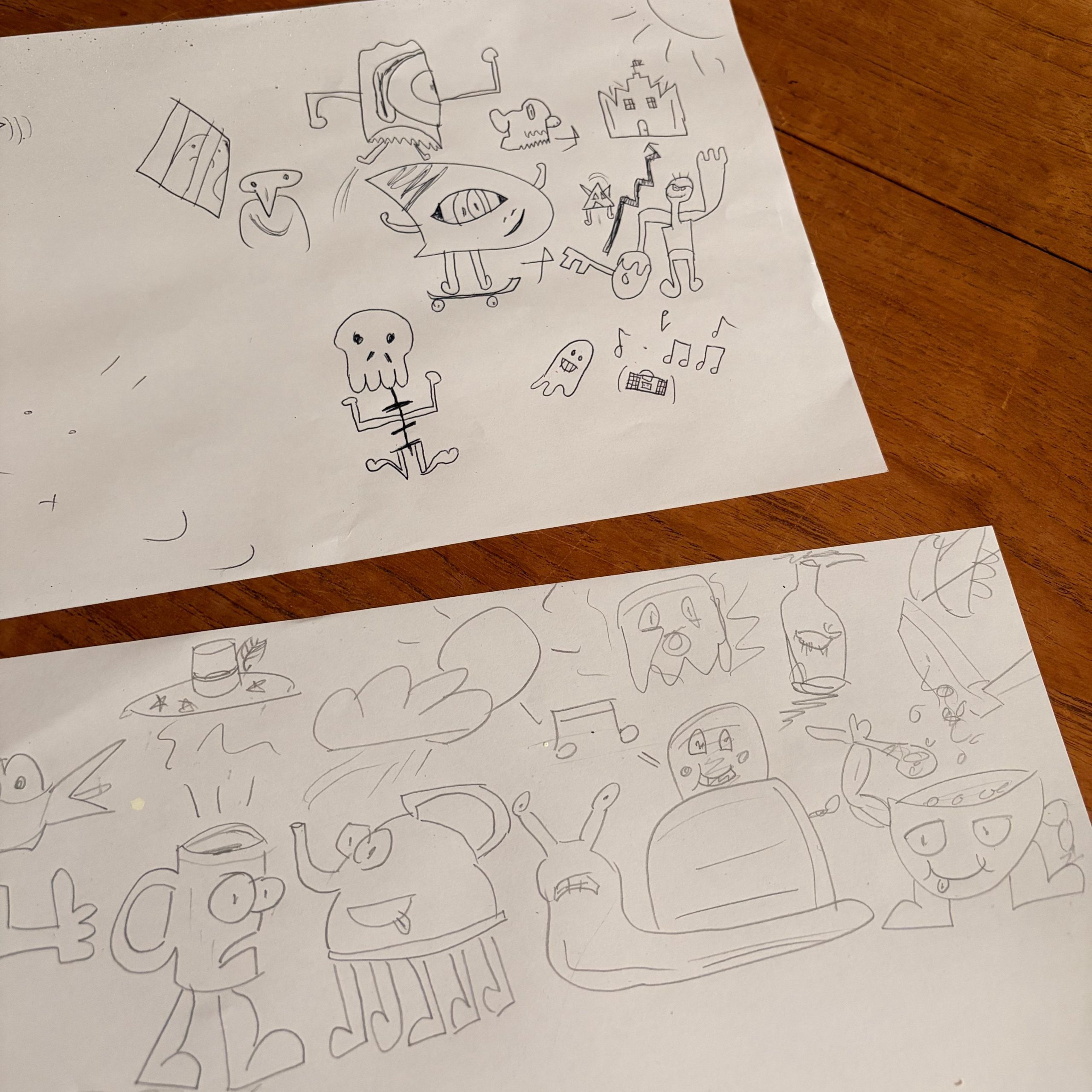
    Here are some of things I sketched, as well as my dad’s doodles too. What do you think?

    My ghost with a boombox seemed like a good character to do more with.

    Going big!

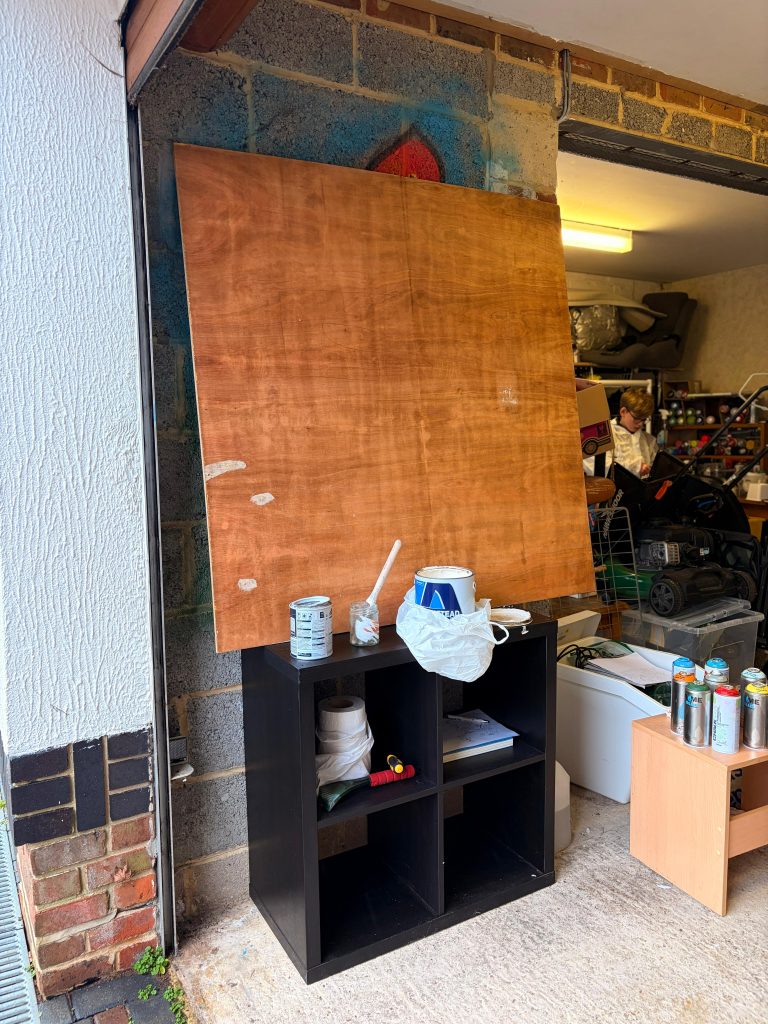
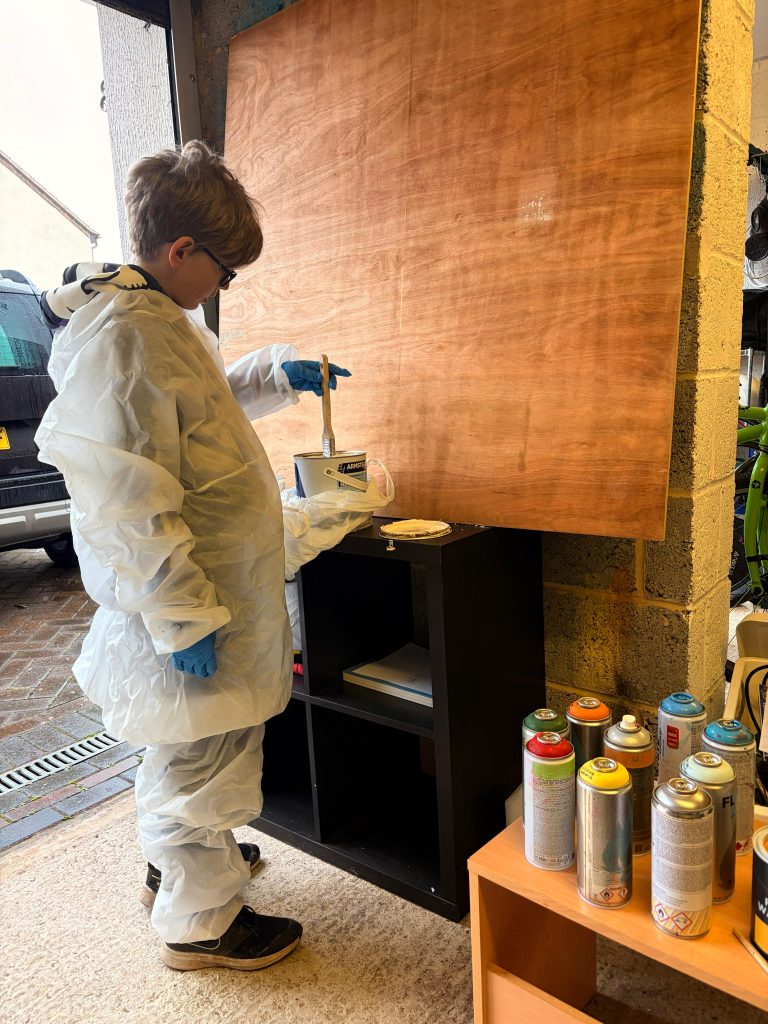
    Next we went to the garage. I wanted to get my characters drawn in a bigger, more spectacular way! This was going to require paint.

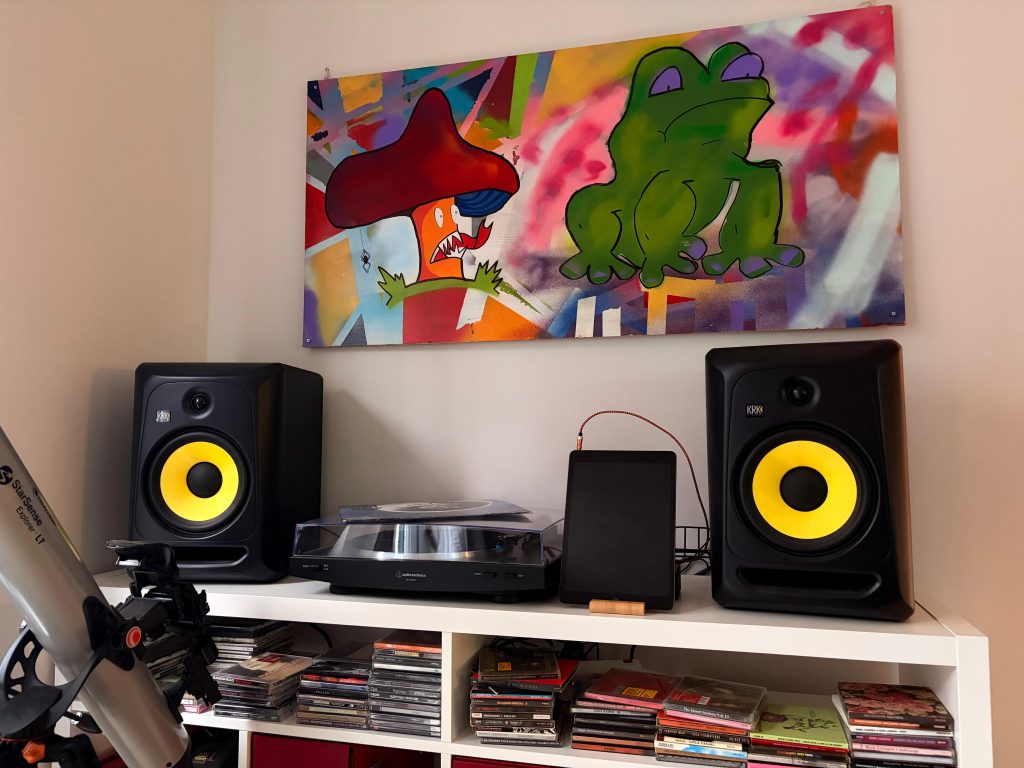
    We’ve got a few fun paintings we’ve made around the house. This mushroom and frog are silly! They live above the record player. They were done with spray paint.

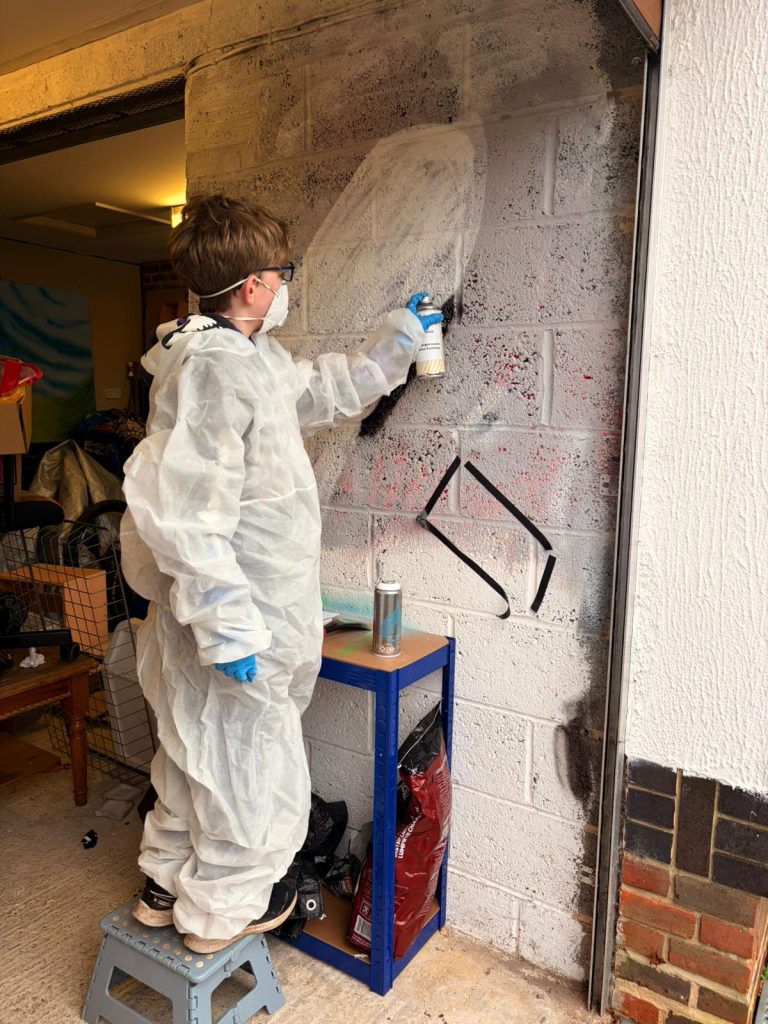
    Spray paint is quite tricky to get the hang of. You need to move the can at a steady pace so you get even colour. You have to hold the can at the same distance away as you move so that the lines don’t get wider or skinnier.

    Also a problem I have had is getting my finger over the end of the nozzle! You have to wear gloves (and other protective gear) and sometimes the end of the finger sticks out and gets in the way.

    Dad says:

    If you’re thinking of using spray paint, make sure the area is well ventilated and you have eye protection and face masks. Gloves and overalls are good to stay clean but you’ve definitely got to look after your eyes and lungs! I get our gear mostly from Graff City who have very good prices on these things.

    Garage spook!

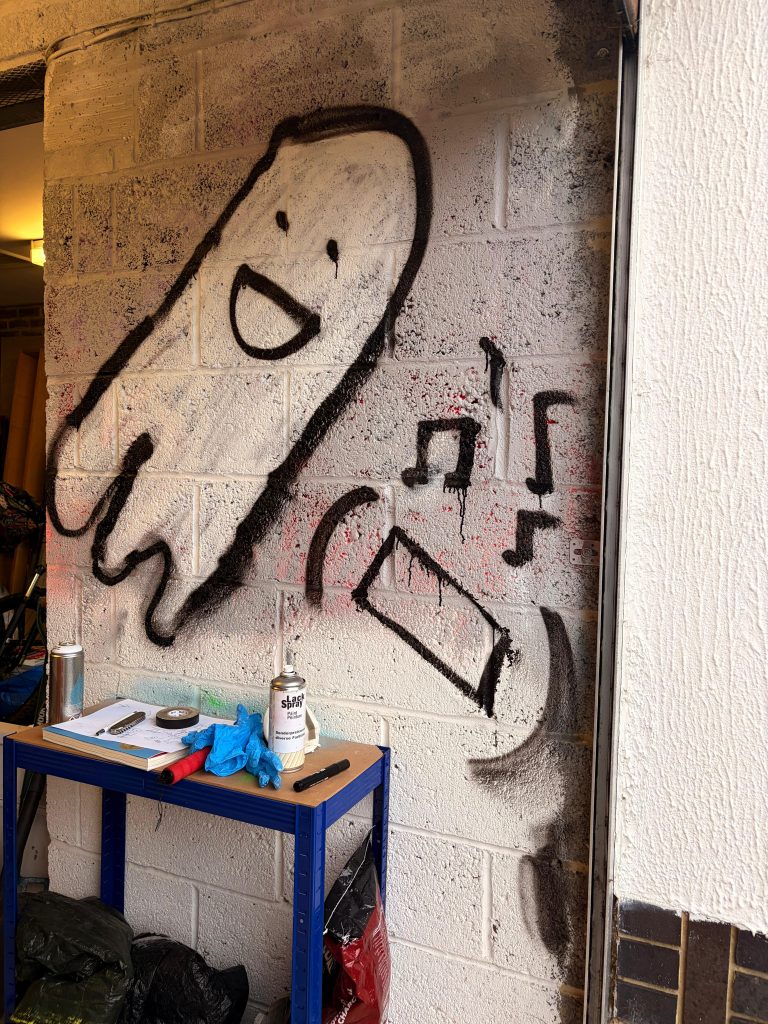
    Here’s how my painting is looking just now. Another problem with paint is it needs time to dry before you can do the next thing. So this is how the ghost looks before I add more to the picture.

    As you can see, there’s more to do on the boombox and with the ghost’s smile, but I’m happy with what I’ve done so far. What do you think?

  • Building real Lego robots?

    Building real Lego robots?

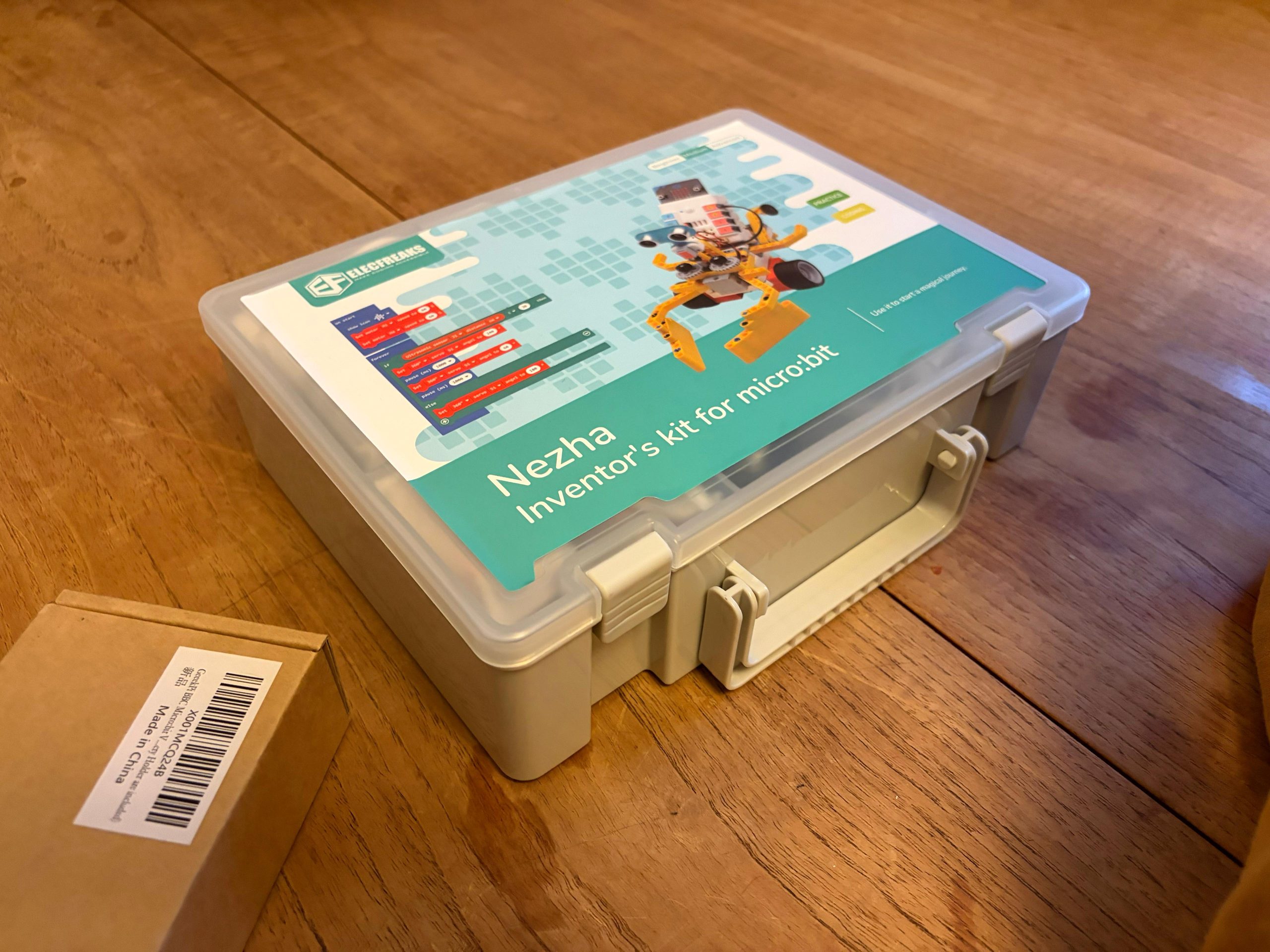
    Hands on with the Elecfreaks Nezha Inventor’s Kit

    Lately I have been wanting to build Lego robots. When Christmas came around, I unwrapped this Lego robot building kit!

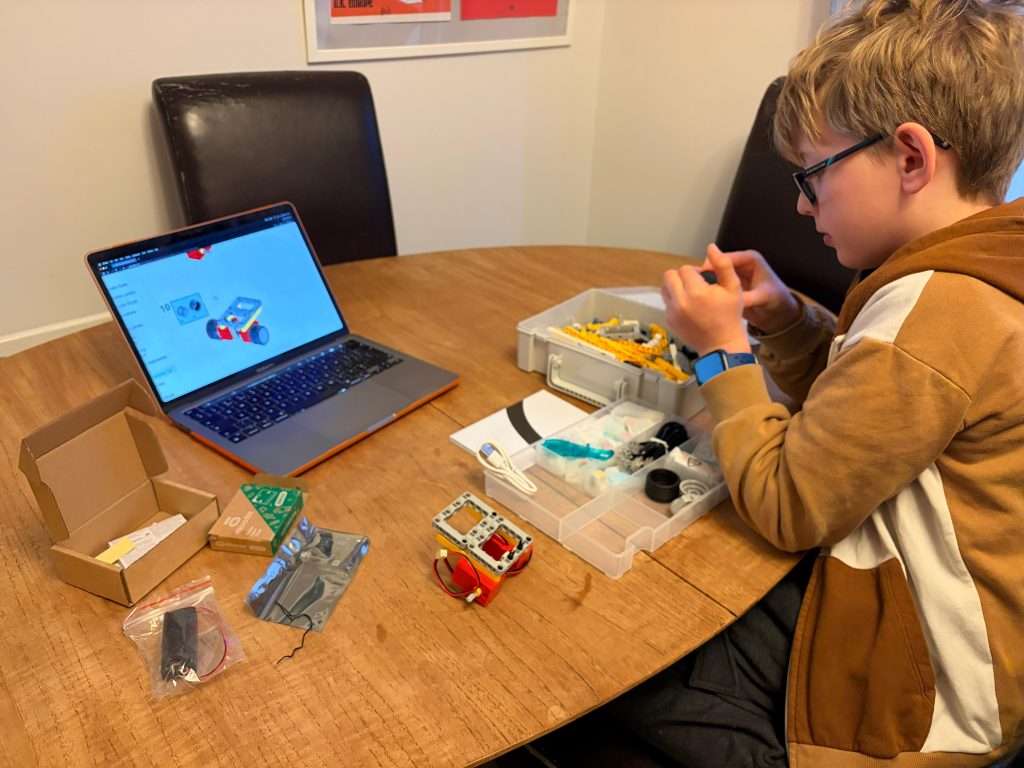
    The first thing I put together was a line-following car. If you draw a line, it will follow it! I’ve added a control on there so if you wave in front of a sensor it will start going and if you wave again it will stop.

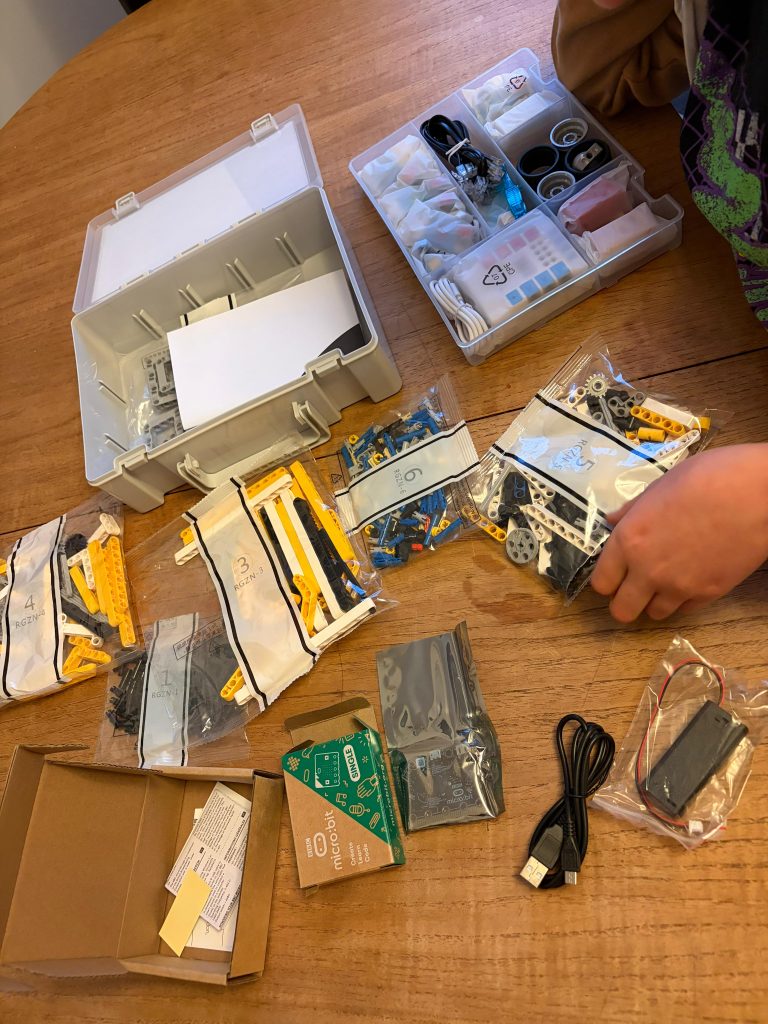
    The box contained a whole lot of Technics pieces and a unit which connects sensors and controls motors. I put that on charge while working on my build.

    There’s something like 70 different robot builds in the instructions, which is cool. So many different sensors and motors! There’s the sonar sensor, light sensors, a button which you can click. You could put this button on a robot vehicle and maybe click it to make it turn the other way?

    There’s a sort of app for it and you can program the card (which is called a micro:bit) to make it do different things.

    Dad says:

    The micro:bit programming software is a web app so you can run it on whatever device you have. There’s a block based mode which kids are familiar with from school, or if you’re a geek like me you can just dive in with proper JavaScript or Python. There’s plenty of demo code on the Elecfreaks wiki and we had a working robot within minutes.

    I’ve always wanted to build a Lego robot and now I can! Excuse me… back to building!